

Setting the Threshold
Navigate to Settings -> AI Code Review -> PR Suggestions threshold to configure how many suggestions you receive. You can access this setting directly at: https://app.codeant.ai/x/settings/prconfsettings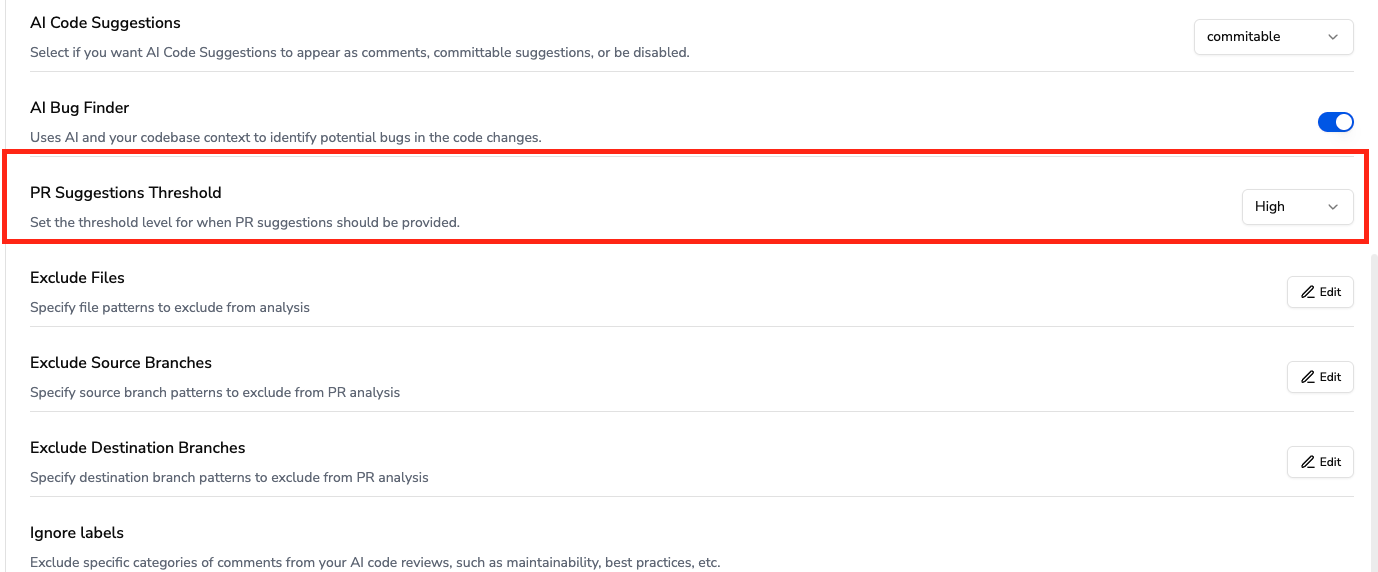
How Threshold Affects Suggestions
- Lower threshold: More suggestions, including minor improvements and style recommendations
- Higher threshold: Fewer suggestions, focusing only on critical issues
Suppressed Suggestions at Higher Thresholds
When you set a higher threshold, the following types of suggestions will be suppressed:- Minor style and formatting improvements
- Non-critical code optimizations
- Subjective refactoring recommendations
- Documentation suggestions for obvious code
- Variable naming improvements for clear names
- Minor performance enhancements with negligible impact